Keep the thought.
Type a nudge or record up to 60 seconds. Review the words before saving. Your recordings stay in Saved thoughts.
 nowside.iPhone + iPad + Apple Watch
Nowside / iPhone + iPad + Apple Watch
A calm reminder app for people who don’t stick with planners. Get a thought out of your head, choose a small start, and come back when you’re ready.
Available on the App Store. One purchase. No subscription.
Less to organise. Somewhere to start.
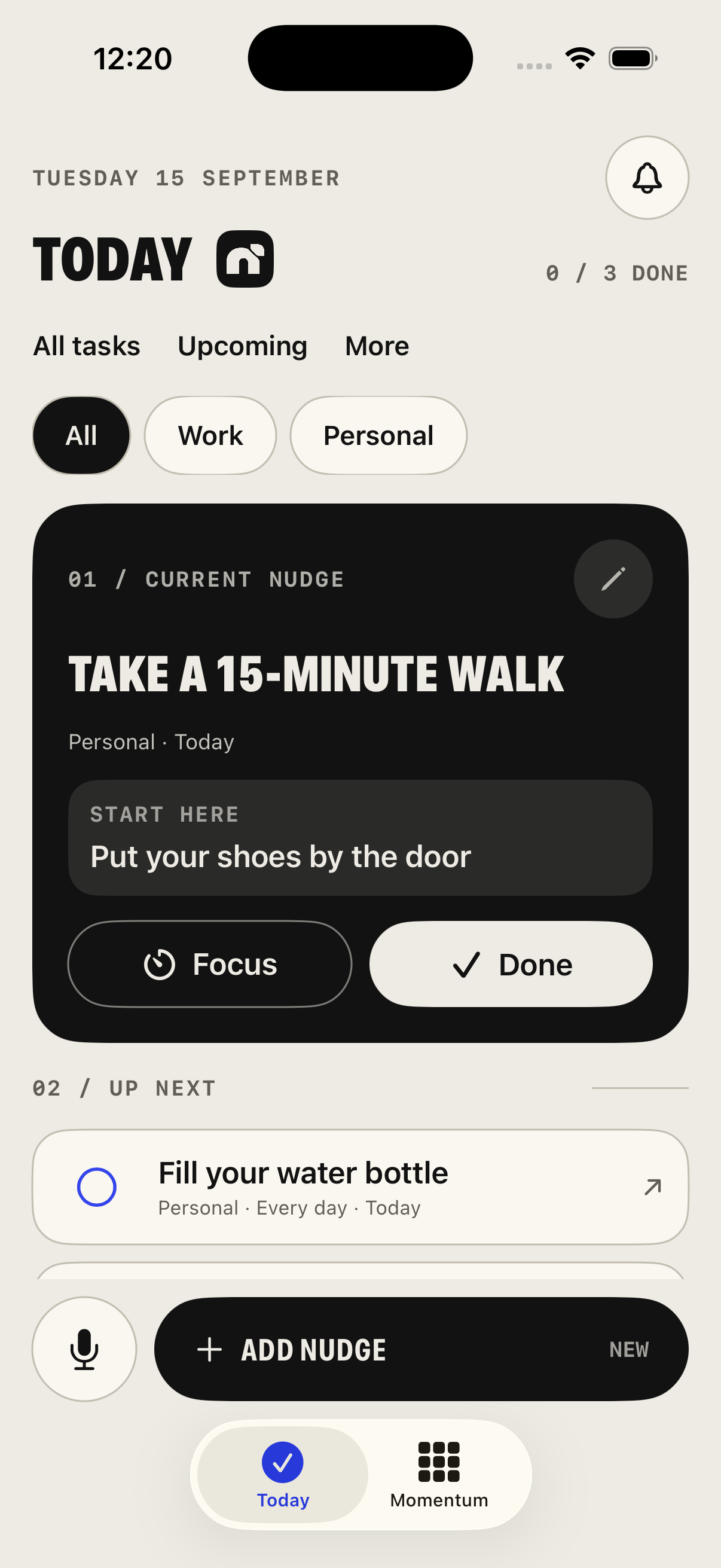
You don’t have to plan the whole day. Keep one task in view, give it a first step, and leave everything else somewhere you can find it.
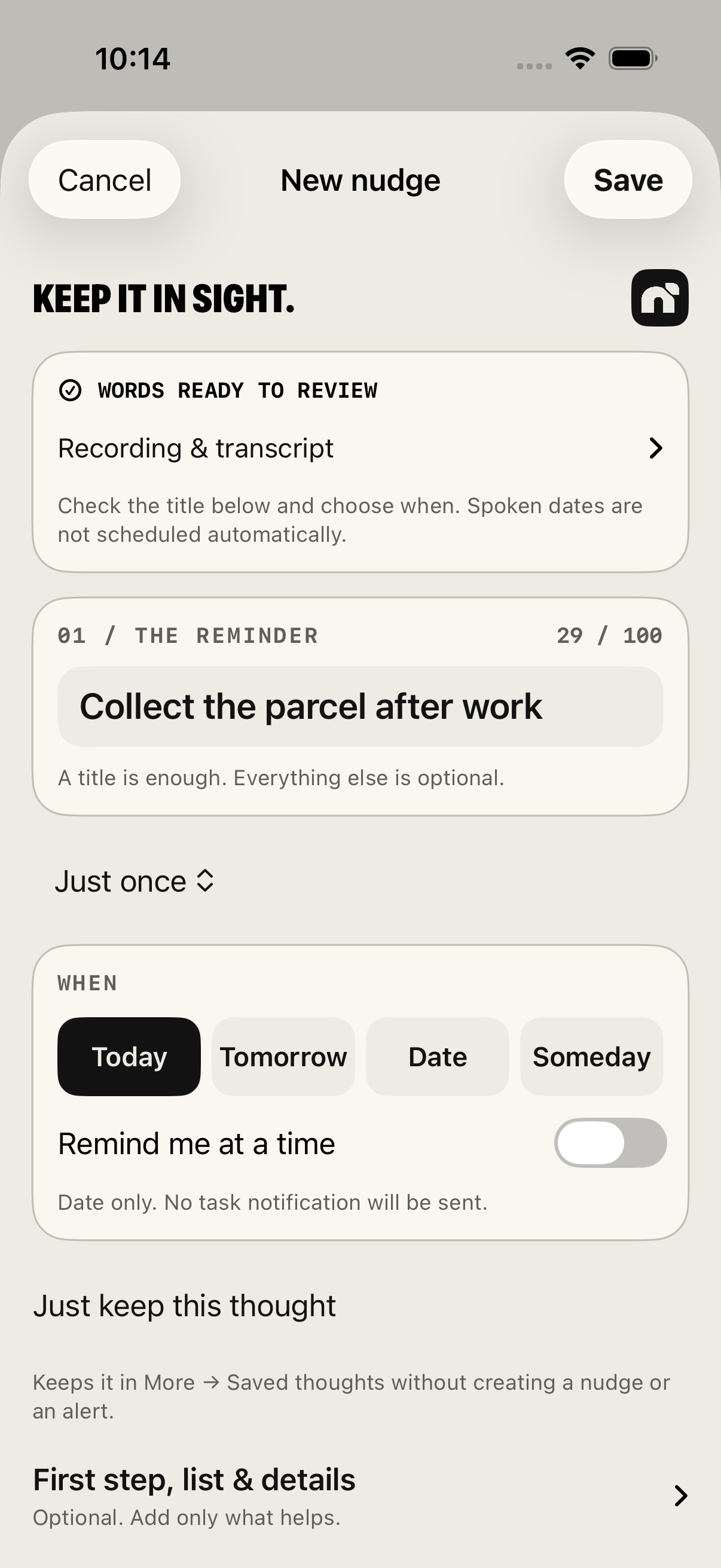
Type a nudge or record up to 60 seconds. Review the words before saving. Your recordings stay in Saved thoughts.
Pick today, another date or Someday. Use Work, Personal or your own lists. Keep a shopping list or smaller steps inside a task with an optional checklist.
Try a short focus session. If you’re interrupted, leave a return point so you know where to begin again.
A closer look
A short look at Nowside, using real app screens. The film has no sound; the story is in the words and the interface.
Keep a passing thought by voice, check the words and choose when. Log an activity in Momentum and see your month. Nowside brings reminders, short focus sessions and habit logging to iPhone and iPad.
For the passing thought
Record a thought on iPhone or iPad, check the text, then choose whether it becomes a nudge. The original recording stays in Saved thoughts.
On Apple Watch, dictate or type a Quick note, then save the text to your paired iPhone. Apple handles Watch Dictation; it may use Apple’s servers. Watch notes do not include an audio recording.
Transcription of recordings made in Nowside on iPhone or iPad runs on-device where supported. Spoken dates don’t automatically schedule alerts; you choose the date and time.
Using Nowside on your WatchSmall things, over time
A walk. A workout. Something you want to do more often. Give it a tile, then mark the days you do it. Unmarked days stay neutral. On your connected Watch, view the month and log today.
How Momentum works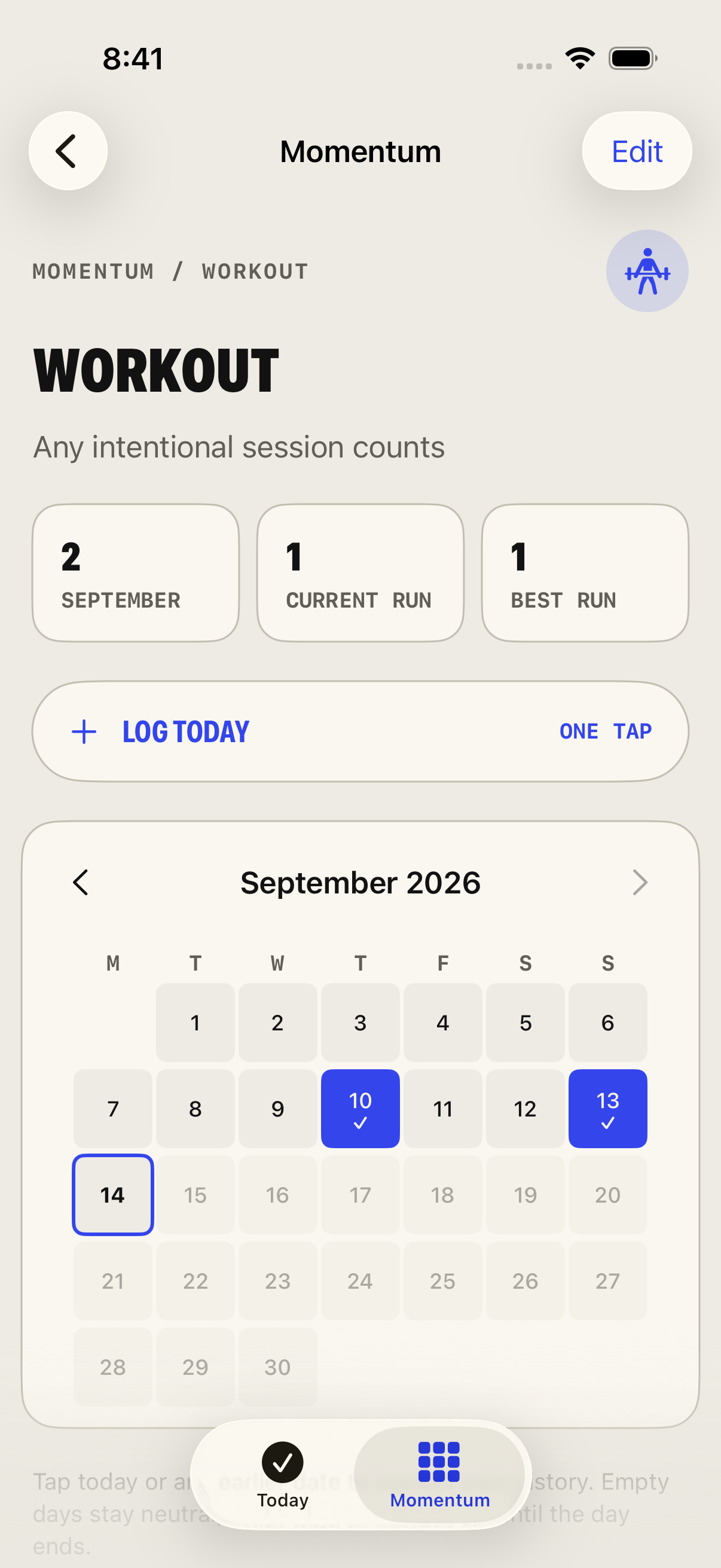
A little more space
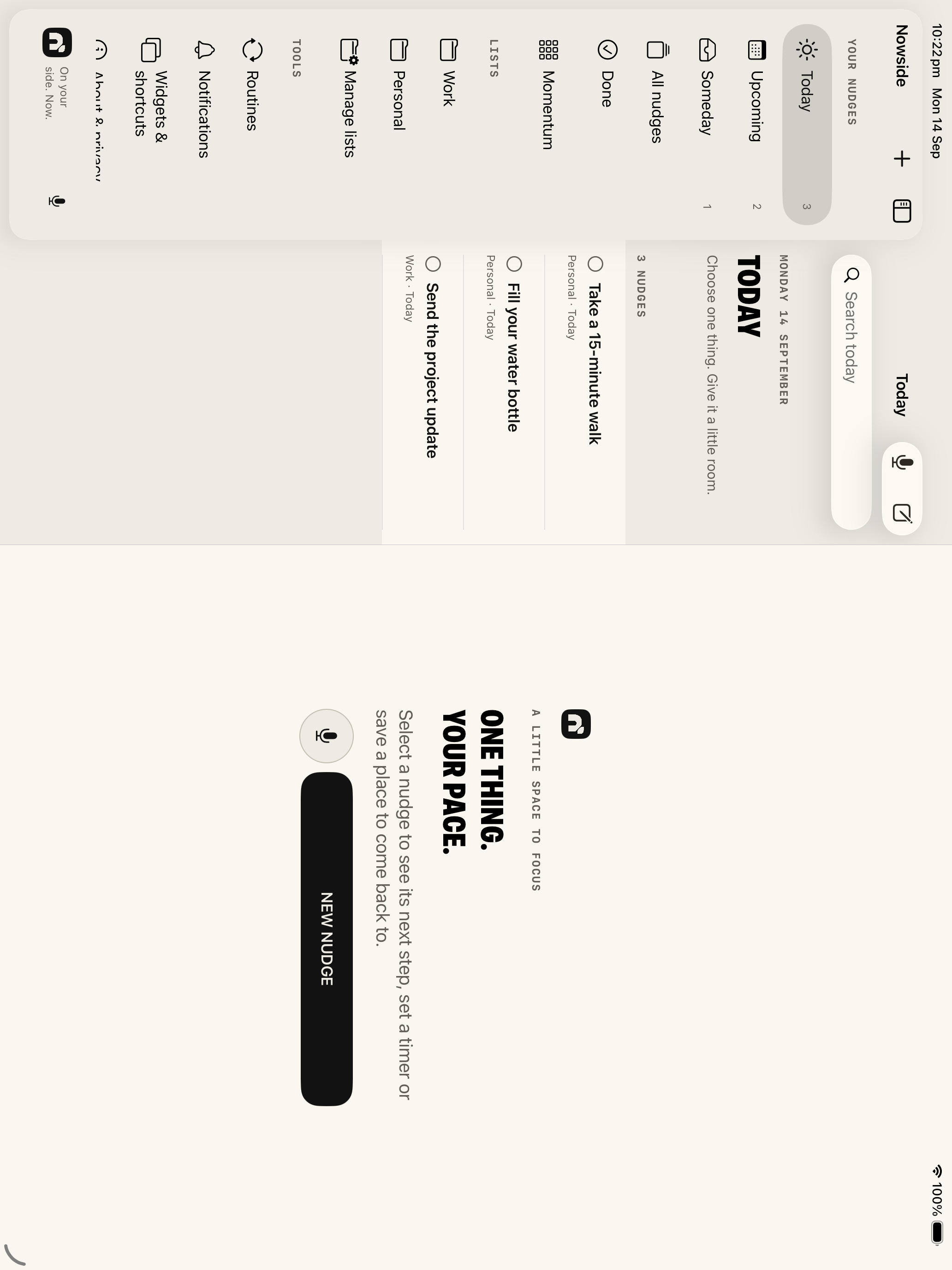
A sidebar for your lists and room for the task you’re working on. Use the space that suits your day.
Optional iCloud sync connects your iPhone and iPad using the same Apple Account. Enable it on both devices, keep Nowside open and check the sync status. Export a backup for a separate copy.
Your notes
Nowside works without a Nowside login. The app has no ads or in-app analytics. You choose what to record or type. Apple handles Watch Dictation separately from Nowside’s on-device transcription.
Export a backup for a separate copy of tasks, Momentum and saved thoughts, including any recordings. Choose a private place to keep it.
Read the privacy policyNowside / One next thing.
Available now for iPhone and iPad, with the paired Apple Watch companion included.
A$9.99 in Australia. One purchase. No subscription. Local prices vary.
Requires iOS or iPadOS 17 or later. The Watch companion requires watchOS 10 or later and a paired iPhone. Task and Momentum changes need a connection; one explicitly saved note can wait offline until the phone confirms receipt. Alerts need permission and are controlled by the system. A personal organisation tool, not a medical treatment.